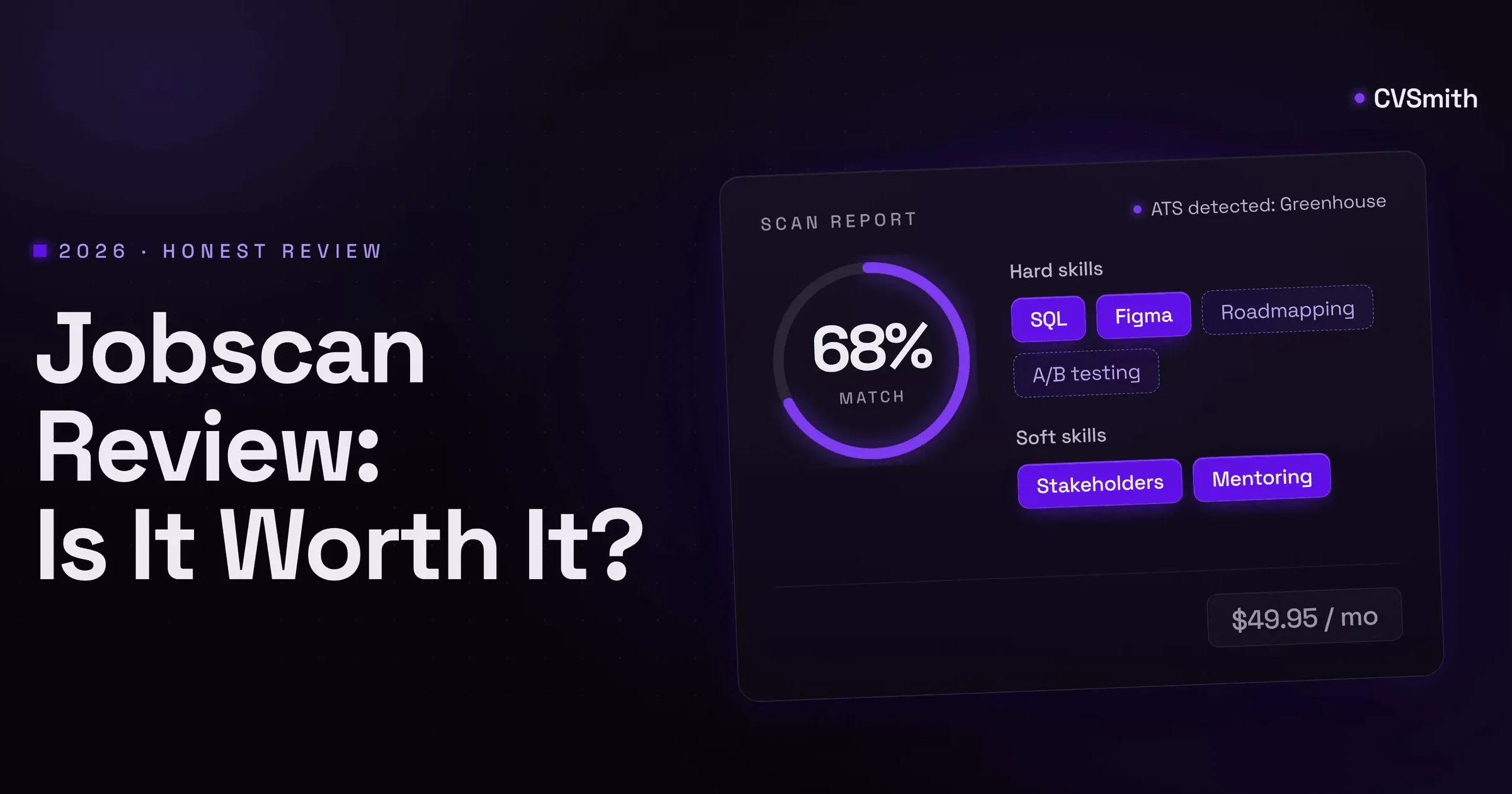
Jobscan is the tool people mean when they say "run it through an ATS checker". It has compared resumes against job postings since 2014, returns a Match Rate with the missing keywords, and identifies the applicant tracking system behind a posting. It is built for one person: the job seeker who has a resume, has a specific posting, and wants to know what to change before hitting apply. This review covers what that report gets right, where the product stops, what the free plan actually allows, what the paid plans cost as of September 2026, and who should pay. Disclosure up front: we build a competing product and say so in section 5; everything before that is about Jobscan on its own terms.
1. What Jobscan does well
The core report is the best of its kind, and it is worth being specific about why.
- The match rate is actionable. You paste a resume and a posting and get a percentage plus a list: hard skills the posting names that your resume lacks, soft skills, other keywords, and how many times each appears in the posting versus your file. Jobscan recommends reaching 75% and notes that many users see results from 65%. The list is ordered by what matters, so a ten-minute edit moves the number.
- ATS detection is a real edge. Jobscan tries to identify the system behind the posting, naming iCIMS, Greenhouse, Lever, Taleo, and Recruiterbox among others, and adjusts its advice to that parser's known behaviour: which date formats it reads, how it handles columns and headers, whether it weights the title line. No other consumer tool does this, and it is the reason the report feels more specific than a generic checklist.
- It catches formatting failures, not just keywords. Tables, text boxes, headers and footers, non-standard section titles, and images all get flagged with a reason. These are the errors that make a parser drop a resume silently, and most free checkers ignore them.
- The extras on the free plan are real. The job tracker, the resume manager, the resume builder, post-interview thank-you note templates, and the Chrome extension all work without paying. The tracker is a plain board, but it is there.
- Recruiter findings add a second lens. Alongside the parser checks, the report lists things a human reader looks for, such as measurable results, a summary that names the role, and section order. It is opinionated in a useful way.
If you want the full landscape of tools that do this kind of check, the ATS checker comparison ranks Jobscan against seven others; this page is only about whether Jobscan itself is worth your money.
2. Where Jobscan stops
The report is the product. That is a strength for the scan and a limit for everything after it.
- After the score, the work is yours. The free plan tells you which twelve keywords are missing and then hands the resume back. Paid plans add AI optimizations that rewrite bullets around the gaps, but they are desktop only and the output still needs a pass. Either way, you leave Jobscan to do the tailoring, then come back to rescan.
- Every rescan costs a scan. Edit, rescan, edit, rescan is the natural loop, and on the free plan each cycle burns one of five monthly scans. Two postings can use the whole allowance in an afternoon.
- Each job is a fresh start. Jobscan does not keep a tailored resume attached to the job it was tailored for. The resume manager stores versions and the tracker stores applications, but the two are not one record. Which file went to which company is bookkeeping you do yourself.
- The score can be gamed, and it knows. A skills block stuffed with the missing terms lifts the match rate without improving the resume. Jobscan warns against this, but the number rewards it, and it is the most common way people misuse the tool.
- The wider product is a bundle, not a workflow. The LinkedIn optimizer, cover letter generator, auto-apply credits, and interview practice are separate tools with separate meters. They sit next to the scanner rather than feeding it.
None of this makes the scan worse. It means the price buys a diagnosis, not the cure.
3. Jobscan pricing, plainly
Checked on the pricing page in September 2026.
| Plan | Price | Scans | What it adds |
|---|---|---|---|
| Free | $0 | 5 resume scans a month, 5 ATS and recruiter findings | Job tracker, resume builder, resume manager, Chrome extension, thank-you note templates, learning center |
| Quarterly | $89.95 every 3 months, about $29.98 a month | Unlimited | Everything below, plus a 7-day free trial |
| Monthly | $49.95 a month | Unlimited | Unlimited AI optimizations (desktop only), unlimited keyword comparisons and findings, AI cover letter and bullet generators, LinkedIn optimizer, AI job match, 20% off auto-apply credits and interview practice, templates and the ATS ebook |
Three details the plan cards do not make obvious:
- The free trial exists only on the quarterly plan. Pick monthly and you pay on day one.
- The quarterly plan bills $89.95 up front. The per-month figure is a way of reading it, not a way of paying it.
- Auto-apply and interview practice are not included in either paid plan. Paid members get a discount on credits, which is a separate purchase.
Cancellation is straightforward: you keep paid access until the period ends, then lose the paid features and the data attached to them.
4. Who should pay for Jobscan
Jobscan earns its price for a specific person.
- You are in a short, high-volume search. Five or more tailored applications a week, for a quarter. Unlimited scans and the rescan loop pay for themselves, and the quarterly plan with the trial is the right way to buy it.
- The postings you target run on the systems it detects. Corporate roles at companies using Greenhouse, Lever, iCIMS, Taleo, or Workday get the most from the parser-specific advice. Postings on a job board's own apply form do not.
- You already know how to rewrite a bullet. The report tells you what is missing. If you can turn "missing: stakeholder management" into a bullet with a number in five minutes, the diagnosis is the only part you need.
- You want the deepest read on one resume. Consultants, career coaches, and anyone reviewing other people's resumes get the most from the report's depth, because the volume of scans is the product.
5. Who should not pay, and what to use instead
- You apply occasionally. Three applications a month fit inside the free five scans. Stay free and use the scans on the roles you care about.
- You mainly need tracking. Jobscan's tracker is included free, but if the board is the point, Teal's free tracker is more capable, and Huntr's free tier tracks up to a hundred jobs. Neither charges $49.95 for what you do not use.
- You need a free scan with no account. Resume Worded grades a resume for free against a general rubric, SkillSyncer gives one free scan a week with a keyword match, and our own ATS resume checker runs three free scans a month against a posting, no card.
- The rewriting is the part you dread. This is the honest gap. Jobscan tells you what to change and leaves the changing to you, or to metered AI on the paid plans. If you want the check to be one step in preparing the application rather than the whole task, CVSmith is built that way and it is ours, so weigh this paragraph accordingly: you save a job, it pulls the posting's must-haves, rewrites the resume around them, drafts the cover letter, scores the match, and keeps all of it on one card with the application's status. Free to start, then $9 a month against Jobscan's $49.95. It does not detect the ATS behind a posting, and Jobscan's report on a single match is deeper. It removes the loop of scanning, leaving, editing, and coming back.
6. Jobscan vs Teal, Resume Worded, Enhancv, SkillSyncer
One factual row each. Prices are the published monthly rates at the time of writing.
| Tool | What it is | Free tier | Paid from | Pick it over Jobscan when |
|---|---|---|---|---|
| Jobscan | Per-job ATS scanner with ATS detection, tracker included | 5 scans/mo | $49.95/mo ($29.98/mo quarterly) | You want the deepest read on one resume against one posting |
| Teal | Job tracker with metered AI resume and cover letter tools | Unlimited tracking, AI credits | $29/mo (Teal+) | Organizing many applications matters more than scan depth |
| Resume Worded | General resume grade with a targeted report on Pro | Free general score | $49/mo ($33/mo quarterly) | You want a broad quality grade and a LinkedIn review, not a parser check |
| Enhancv | Design-led resume builder with an ATS match score | 7-day trial, watermarked downloads | $19.99/mo | You are building the resume from scratch and care how it looks |
| SkillSyncer | Budget keyword scanner with Auto-Optimize | 1 scan/wk | $14.95/mo | You want the Jobscan-style scan at a third of the price and can live with less depth |
Two of the comparisons people search for most, in one line each. Jobscan vs Teal: scanner first versus tracker first; buy the one that matches your bottleneck. Enhancv vs Jobscan: Enhancv makes one resume look good and pass; Jobscan checks a resume you already have against each posting.
FAQ
- Is the free version of Jobscan enough?
- For a handful of applications a month, yes. Five free scans and five ATS findings cover a slow search, and the free plan includes the tracker, the resume builder, and the Chrome extension. Once you apply to more than one or two roles a week, the scans run out before the week does, and every rescan after an edit counts against the same five.
- Does the Jobscan match rate predict whether I get an interview?
- No. The match rate measures how much of the posting's vocabulary your resume contains; Jobscan recommends 75% and says users see results from 65%. It is a good proxy for whether a keyword search inside the ATS will find you and a poor proxy for whether a recruiter will call. Use it to close the obvious gaps and stop optimizing once you pass the threshold.
- Does Jobscan work for UK CVs?
- The scan itself does: it compares your CV to the posting regardless of format, and UK employers use the same applicant tracking systems. The advice is tuned to US conventions, so ignore prompts to add a summary section or drop the personal statement if your target market expects otherwise, and check that British spellings match the posting rather than Jobscan's dictionary.
- Is Jobscan better than ChatGPT for resume keywords?
- For the diagnosis, yes. Jobscan runs a consistent, structured comparison and shows exactly which required terms are missing, while ChatGPT gives a different answer each time and cannot see how an ATS parses your file. For the rewrite, ChatGPT is stronger and free: paste the missing keywords and your bullets and ask it to weave them in. Many people use both in that order.
- Which is better, Jobscan or Teal?
- Different jobs. Jobscan is a scanner with a tracker attached; Teal is a tracker with AI buttons attached. If your problem is knowing whether one resume matches one posting, Jobscan's report is deeper. If your problem is keeping forty applications organized and you tailor by hand, Teal's free tracker is the better base and its paid tier is cheaper.
- Does Jobscan have a free trial?
- Seven days, only on the quarterly plan, which then bills $89.95 for three months. The monthly plan at $49.95 has no trial. Cancel inside the seven days and you are not charged; cancel later and you keep access until the end of the paid period.
- Is there a cheaper Jobscan alternative?
- For a plain scan, SkillSyncer does the same keyword and score work at $14.95 a month, and Resume Worded gives a free general grade with a targeted report on its paid tier. If the scan is only useful to you as one step in preparing the application, the workspace option in section 5 costs $9 a month. Which one fits depends on whether you want the scan alone or the whole application handled.
- Is Jobscan worth it?
- Yes, for a short, intense search where you send several tailored resumes a week, care about specific ATS behaviour, and will cancel after a quarter. No, if you apply occasionally, if you mainly need tracking, or if the part you dread is the rewriting rather than the diagnosis, because the paid plan does not remove that work.
The verdict
Jobscan is the best per-job resume scanner you can buy, and the report is worth the price for a short, intense search against corporate ATS-driven postings. It is not worth $49.95 a month for occasional applications, for tracking, or for anyone whose real problem is the rewriting the report leaves behind. Use the free five scans on the roles that matter, buy the quarterly plan with the trial if the volume is there, and cancel when the search ends.